

1. Dash0 Setup
Prerequisites: You’ll need a Dash0 account and authorization token. Sign up at dash0.com for a 14-days free trial, if you don’t have an account yet.
Get your Dash0 credentials
- Log into your Dash0 account
- Navigate to Organization Settings → Auth Tokens
- Create a new token or copy an existing one
- Note your Dash0 OTLP ingestion endpoint (e.g.,
ingress.eu-west-1.aws.dash0.com:4318for HTTP or:4317for gRPC) - Your token will be in the format
Bearer auth_xxxxx...
You can send telemetry directly to Dash0’s OTLP endpoint, or route it through an OpenTelemetry Collector for additional processing and filtering.
2. Instrument your application
For Kubernetes deployments with zero-code instrumentation:Option 1: Direct to Dash0 Endpoint
Replace
ingress.eu-west-1.aws.dash0.com:4318 with your Dash0 ingestion endpoint and auth_your_token_here with your actual Dash0 authorization token.Option 2: Via OpenTelemetry Collector
For more advanced scenarios with filtering, batching, or multi-destination routing, deploy an OpenTelemetry Collector:3. View your telemetry in Dash0
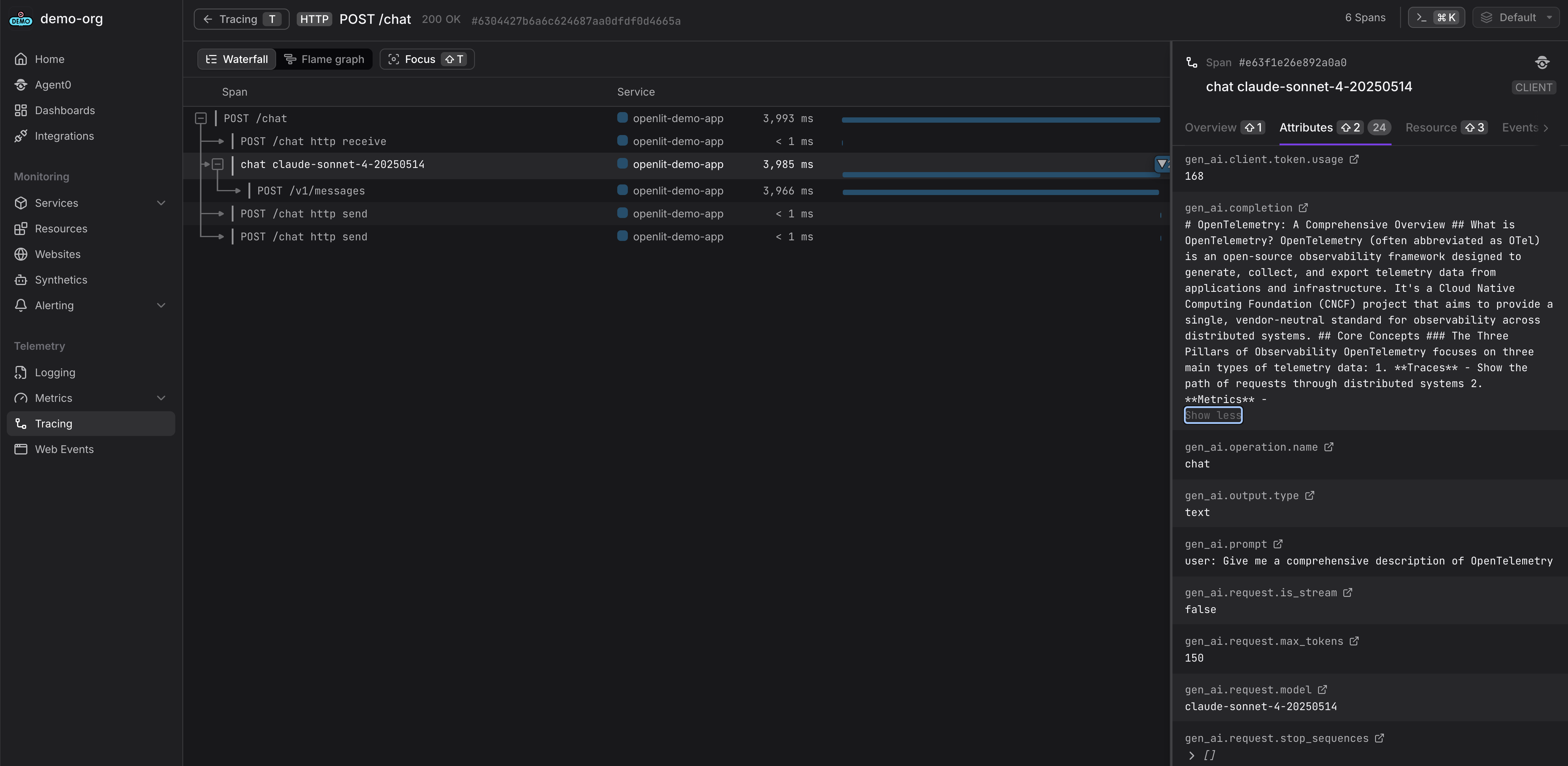
Once your AI application starts sending telemetry data, you can explore it in Dash0:- Traces: Navigate to Traces to view your AI application traces with LLM calls, prompts, completions, and token usage
- Services: Check Services to monitor your AI service performance, error rates, and latency
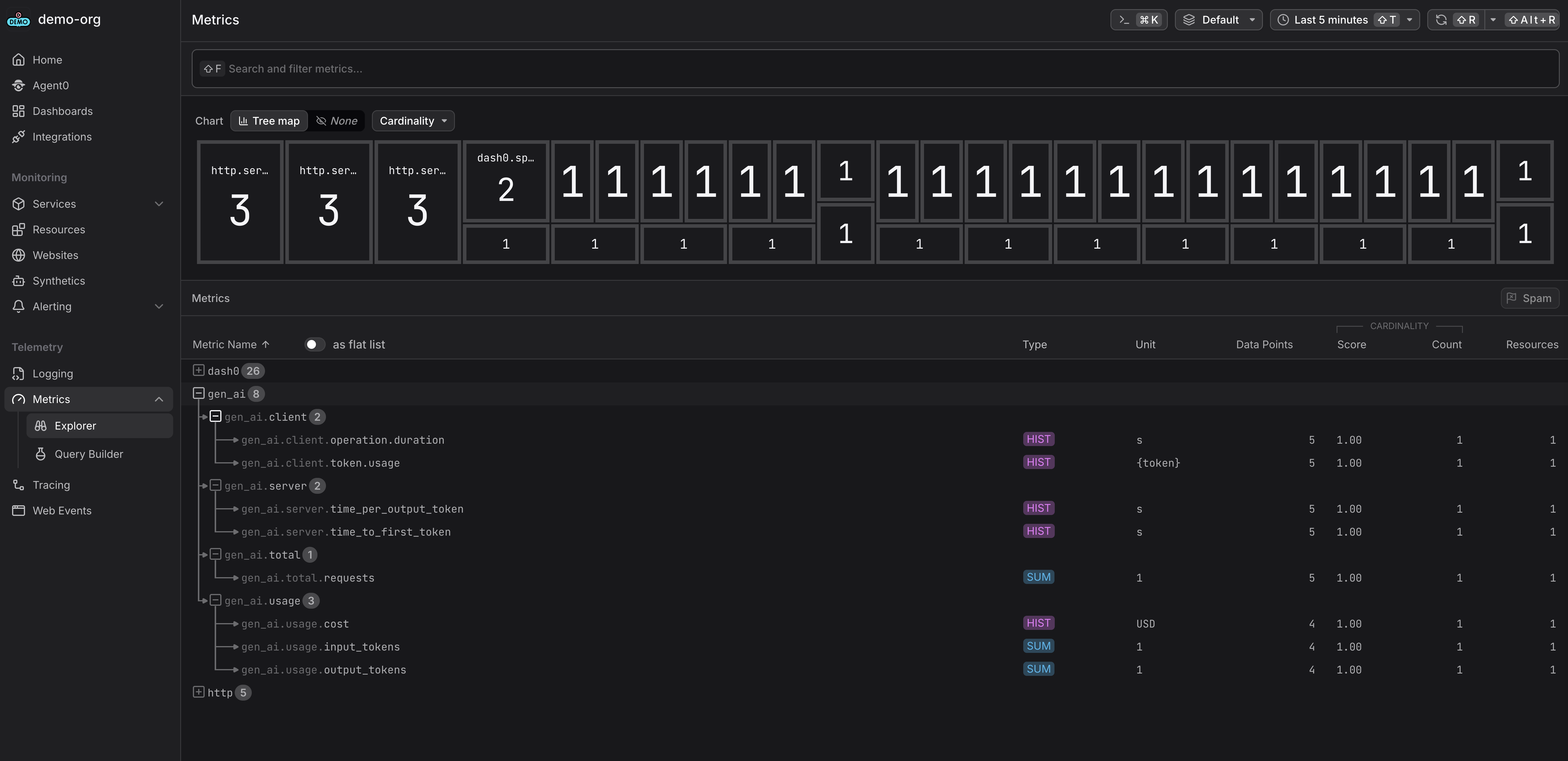
- Metrics: Explore metrics for token usage, costs, and AI-specific KPIs
- Dashboards: Create custom dashboards to track token consumption, model performance, and business metrics
- Query: Use PromQL-based queries to filter and analyze telemetry by model, token usage, or errors