

/connectors) or manage bindings from Organisation → Project → Connectors. Select the correct project and environment before adding or binding connectors.
Several read paths use portable @openplait adapters so query behavior stays consistent across backends. See the Connectors overview for memory connectors and shared registry concepts.
Mental model
- Atomic connectors — never a multi-backend blob. One Tempo instance, one Loki instance, one Prometheus endpoint.
- Signal routing — each of traces / logs / metrics is bound independently. See Signal routing.
- Database Config — ClickHouse lives as a Database Config and appears as the built-in connector. See Database Config.
Supported connectors (OpenLIT + OpenPlait)
These are the data-source connectors available in open-source OpenLIT. OpenPlait packages power the portable query adapters for ClickHouse, Tempo, Loki, Prometheus, and Jaeger.Built-in app store
External data-source connectors
Capability matrix
* Aggregate graphs are reconstructed in-process from a bounded sample of full traces when the backend cannot aggregate server-side.
Enterprise data-source connectors
Enterprise feature. Datadog and New Relic connectors are premium connectors in OpenLIT Enterprise and need a license that includes Premium connectors. Without it, they appear in the catalog with a Premium badge and a lock, and Add connector reads License required.
Add them from Connectors like any other data source, then bind them per signal in signal routing. A bound connector must be in the same environment as the binding.
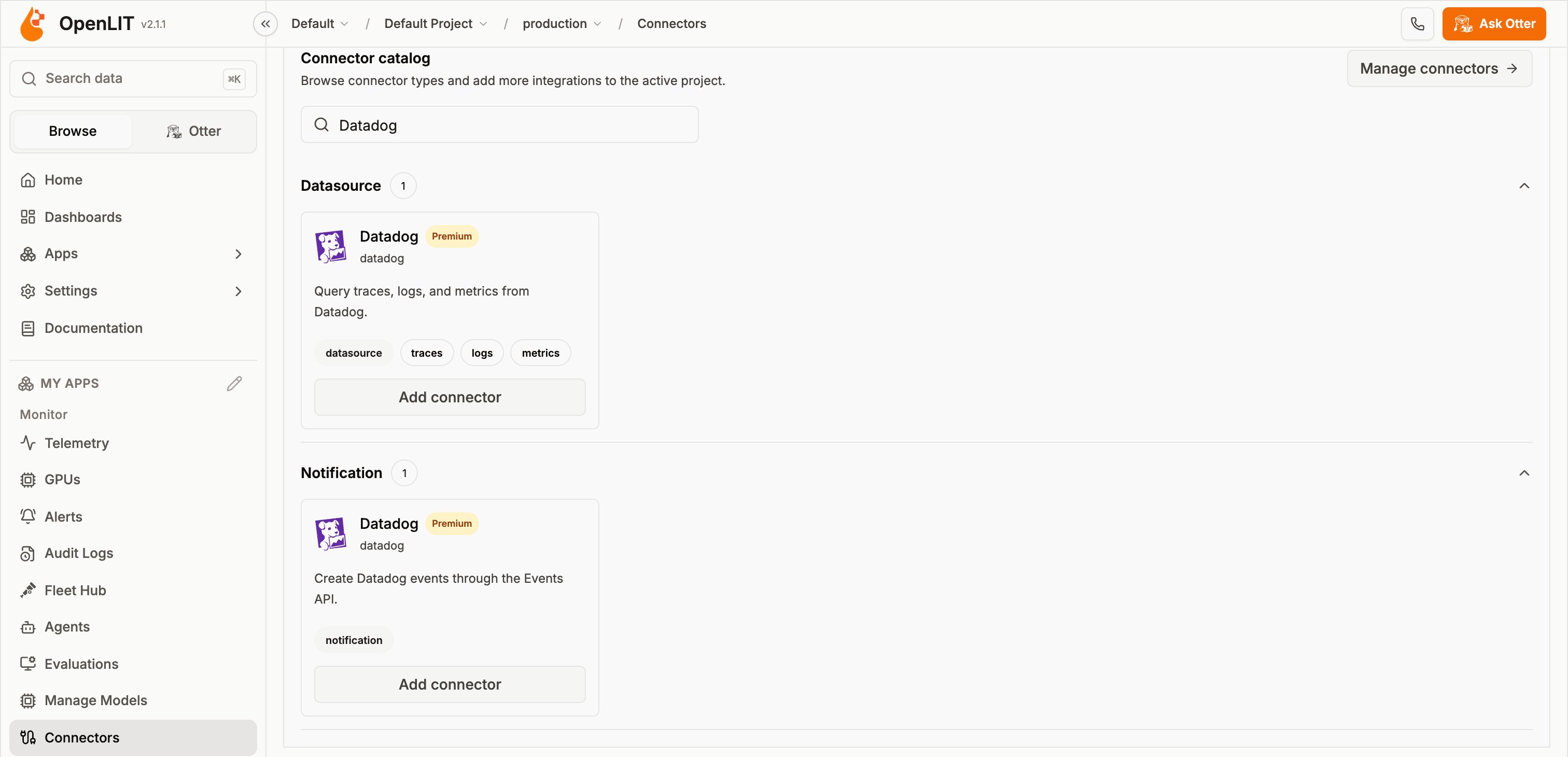
Datadog
- Logs are read without AI filtering, so all logs in the range are returned.
- When you don’t filter on a metric name, metric series default to
system.cpu.user. - The Datadog spans API is rate limited, so OpenLIT caches span queries for 30 seconds.
New Relic
- Metric series need a metric-name filter.
- Span events are stored as separate rows in New Relic, so they aren’t shown on spans.
Add a Jaeger connector
1
Select project and environment
Use the header selectors to pick the project and environment.
2
Open Connectors
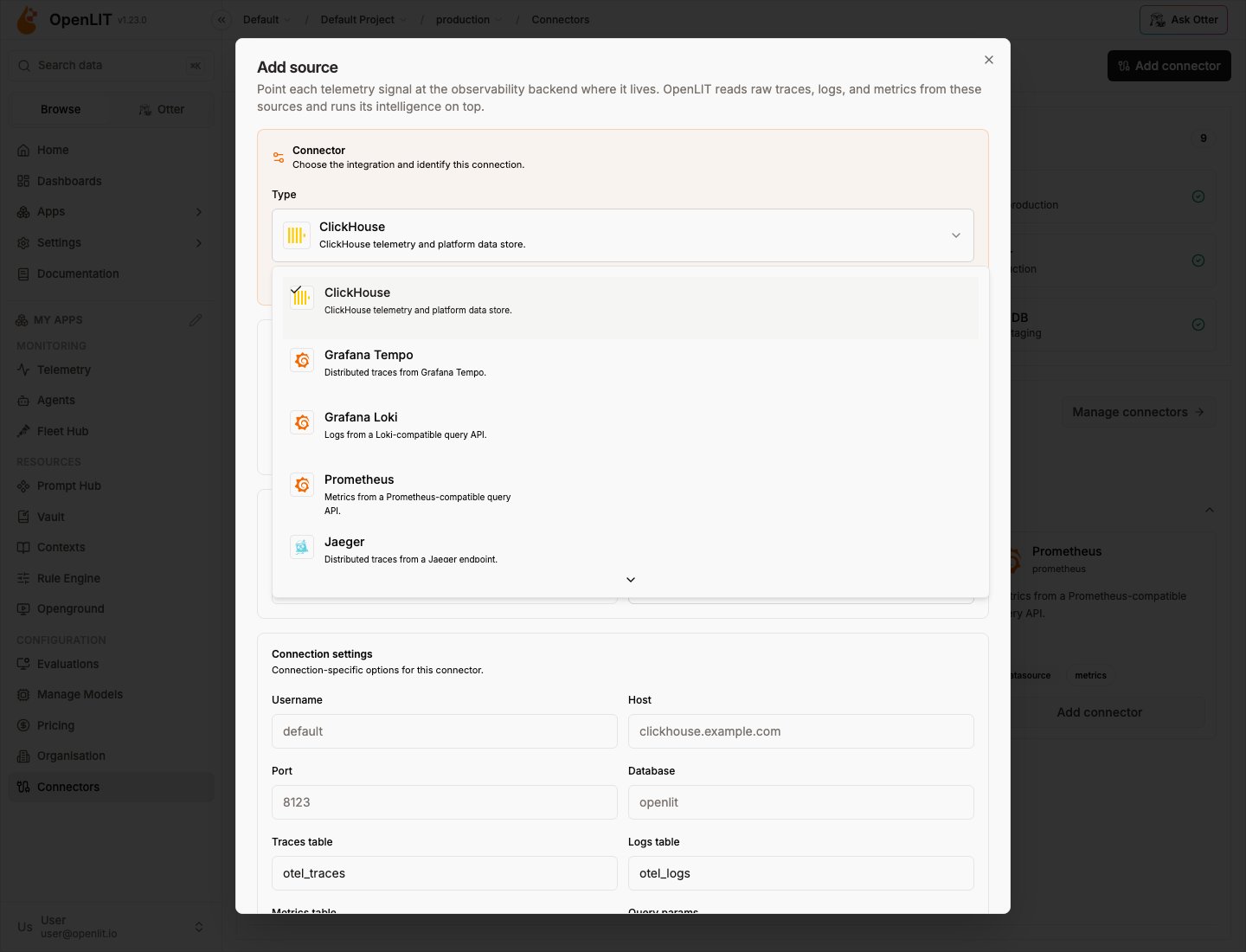
Go to Configuration → Connectors and choose Add connector / Add source.
3
Pick Jaeger
Select Jaeger from the data-source connector list.
4
Configure endpoint
Set the Query URL (local all-in-one:
http://localhost:16686) and auth if needed.5
Bind traces
Bind traces to the connector under signal routing.
Actions you can take on a connector
The connector registry is designed so actions attach to a connector type. Today’s data-source actions:
Enterprise audit logs record connector create/update/delete/test plus bind/unbind (with signal, environment, and previous source when switching).
How OpenLIT finds AI telemetry
Backends hold all telemetry — not only AI. OpenLIT applies a layered AI selector so reads stay focused:- Resource
telemetry.sdk.name = openlit - Resource
telemetry.distro.name = openlit-cli - Any
gen_ai.*attribute coding_agent.session.id, or Claude Code session markers- Known
coding_agent.*span names
Authentication cheat sheet
Security and reliability
- Endpoints validated (
http/httpsonly); credentials in URLs rejected; private/metadata SSRF targets blocked where applicable. - Secrets live in Vault, redacted from errors, never logged.
- Per-source concurrency caps, query budgets, short-lived cache + in-flight de-dupe, and backoff on transient
429/5xx.
OpenPlait packages
OpenLIT wraps these npm packages for portable reads:
See the OpenPlait repository for publishing and adapter docs.
Related
Memory connectors
Claude, LangGraph, Mem0, and Zep for agent memory.
Scanner connectors
Trustabl scans of GitHub repositories.
Signal routing
Bind traces, logs, and metrics independently.
Database Config
Env vars → ClickHouse Database Config.
Connectors overview
Shared connector model and project scope.