

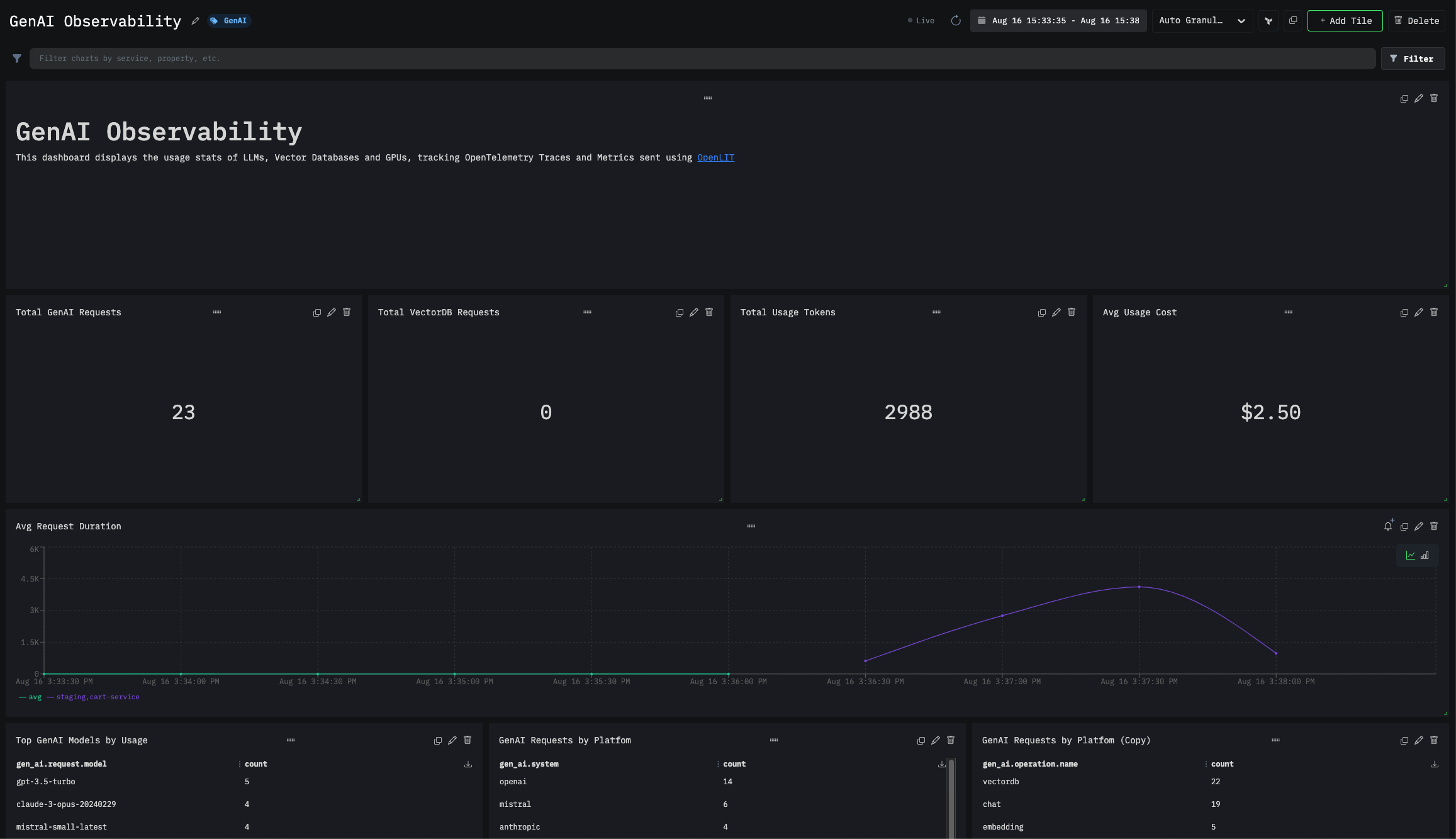
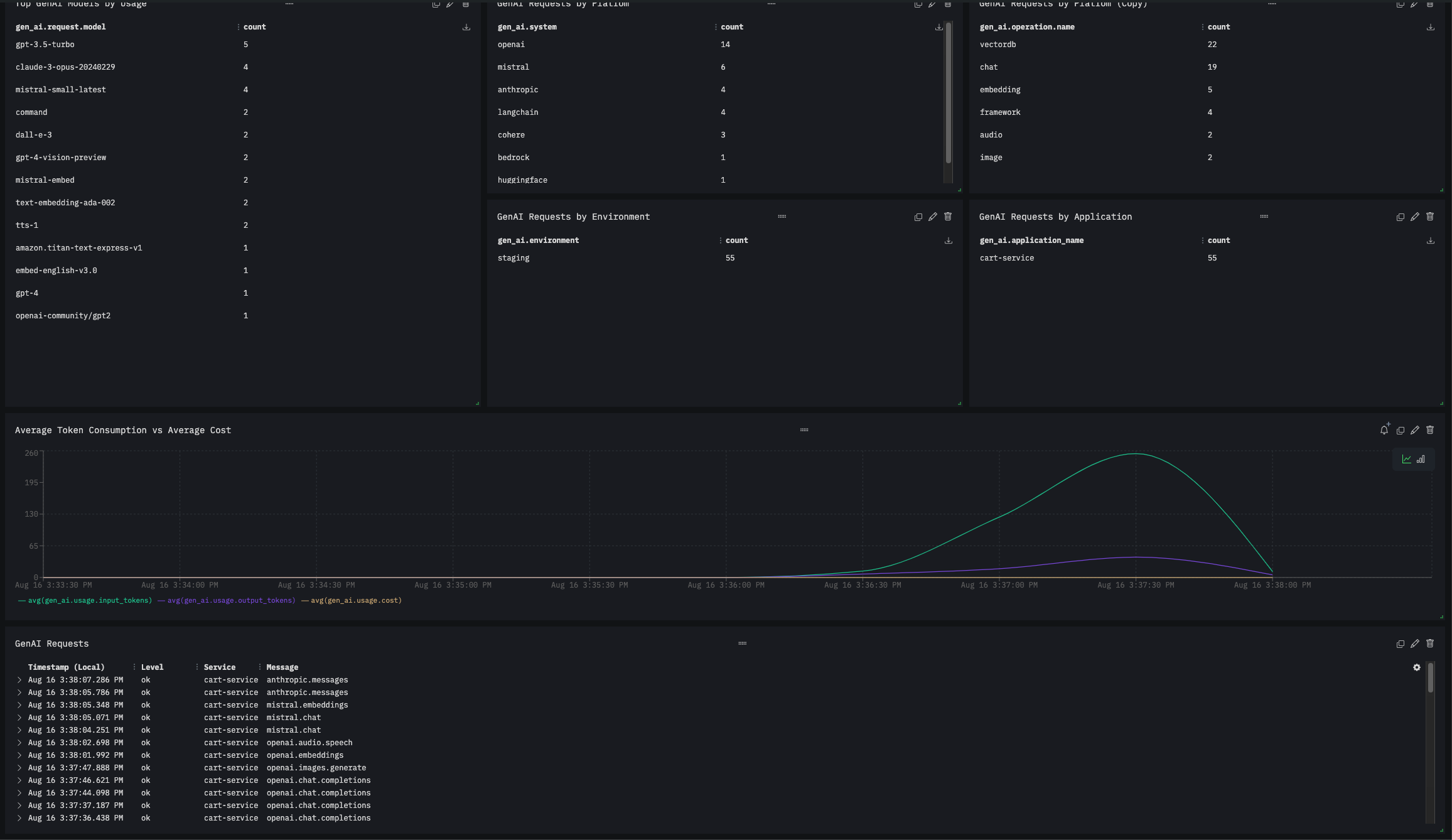
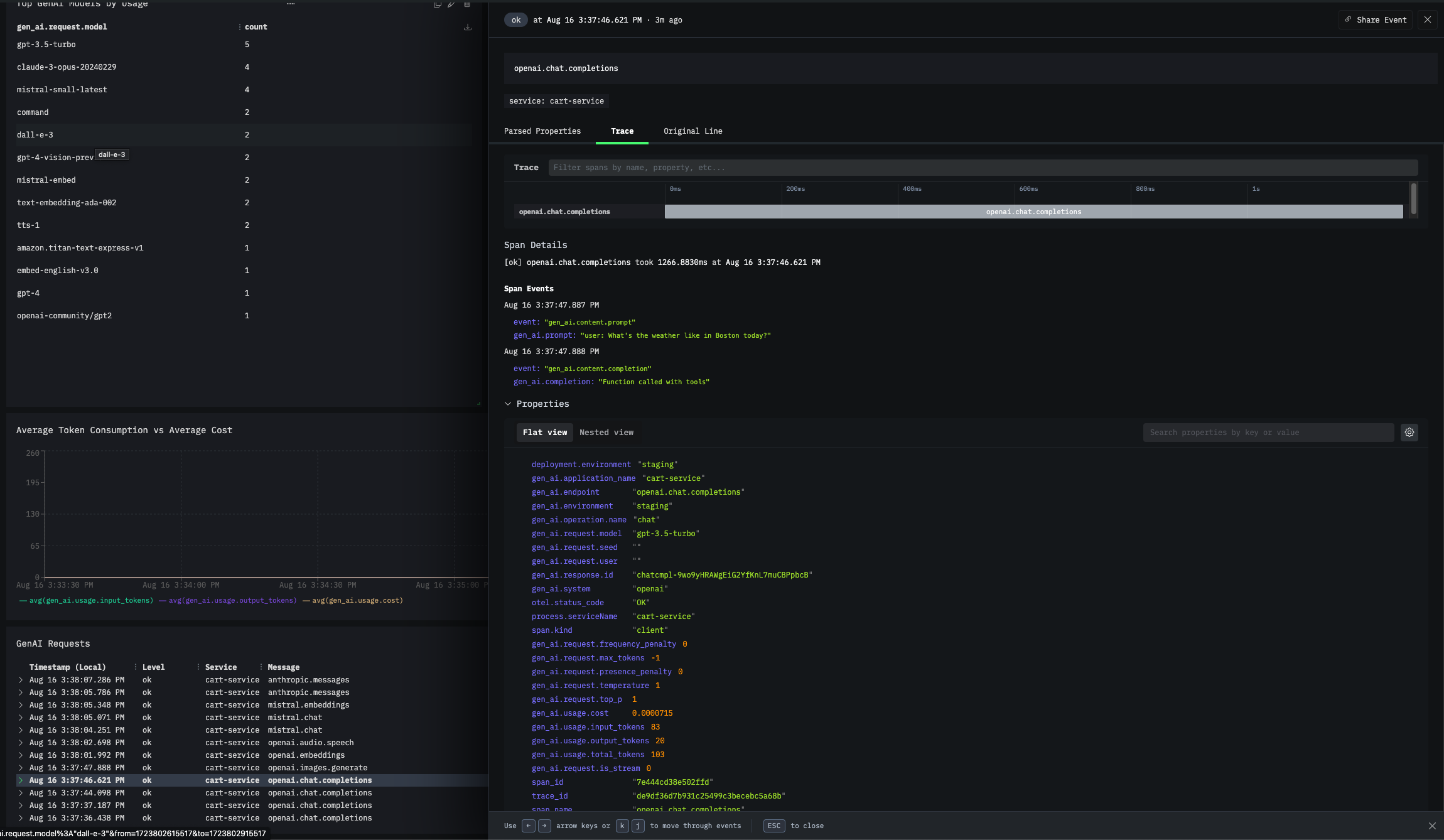
1. Get your Credentials
- Sign in to your HyperDX account
- Get your API Key:
- Navigate to your HyperDX settings or API keys section
- Generate or copy your existing API key
- Example format:
x6xx7265-43x3-476x-1112-x9x52x29xxxx
2. Configure OpenTelemetry Collector
HyperDX requires an OpenTelemetry Collector as an intermediary to receive and forward telemetry data. Install OpenTelemetry Collector (if not already running) For detailed installation instructions, refer to the OpenTelemetry Collector Documentation. Configure the Collector- Configure HTTP Receiver: In the
receiverssection, ensure theotlpreceiver is set withendpoint: 0.0.0.0:4318. - Define HyperDX Exporter: Add
otlphttp/hdxexporter to send data to HyperDX. - Assign to Pipelines: Link the exporter to traces and metrics pipelines.
Complete Collector Configuration
Complete Collector Configuration
YOUR_HYPERDX_API_KEY_HERE with your actual HyperDX API Key.3. Instrument your application
- SDK
- CLI
For direct integration into your Python applications:Replace:Refer to the OpenLIT Python SDK repository for more advanced configurations and use cases.
- Function Arguments
- Environment Variables
YOUR_OTELCOL_URL:4318with the URL HTTP endpoint of your OpenTelemetry Collector.- Example:
http://127.0.0.1:4318(for local collector) - Example:
http://otel-collector.default.svc.cluster.local:4318(for Kubernetes)
- Example: